Three screensThe whole cabinet
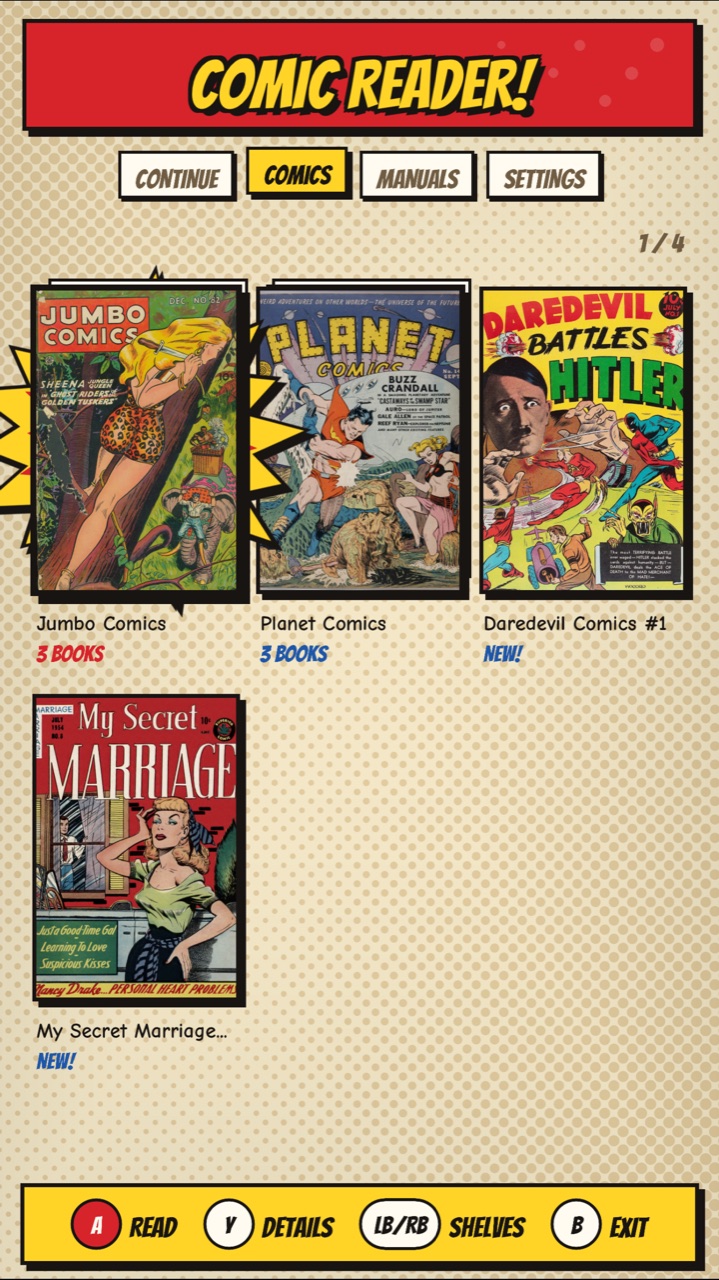
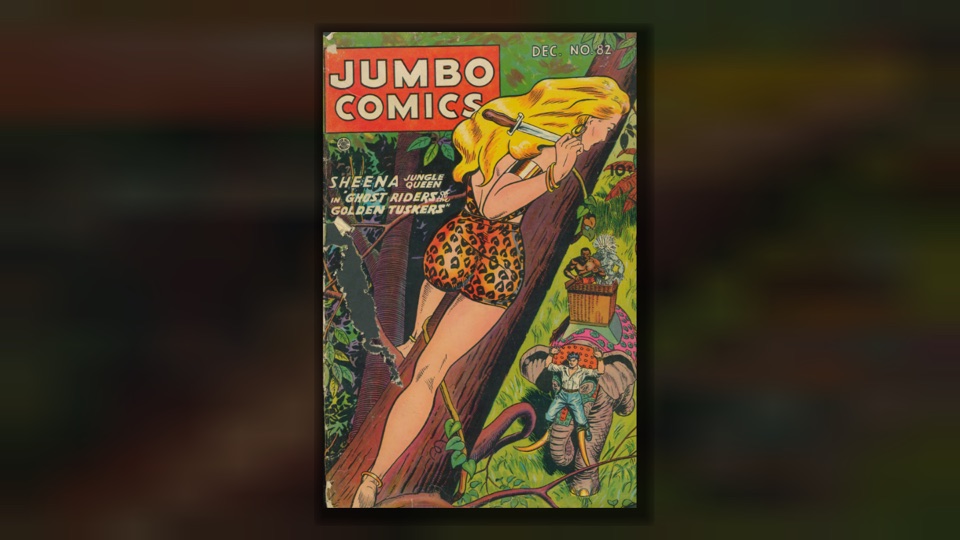
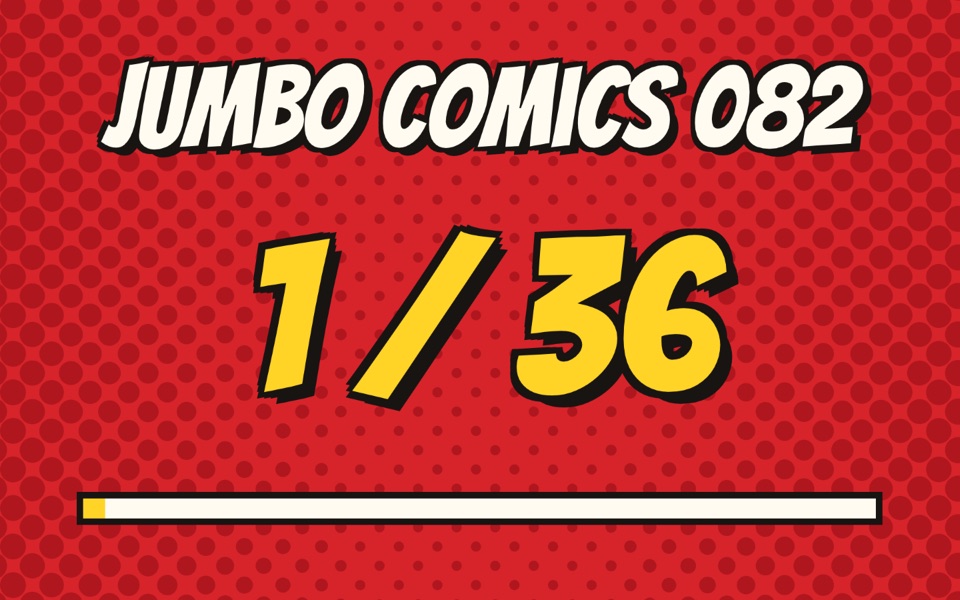
ReadingPow! Zoom! Turn!
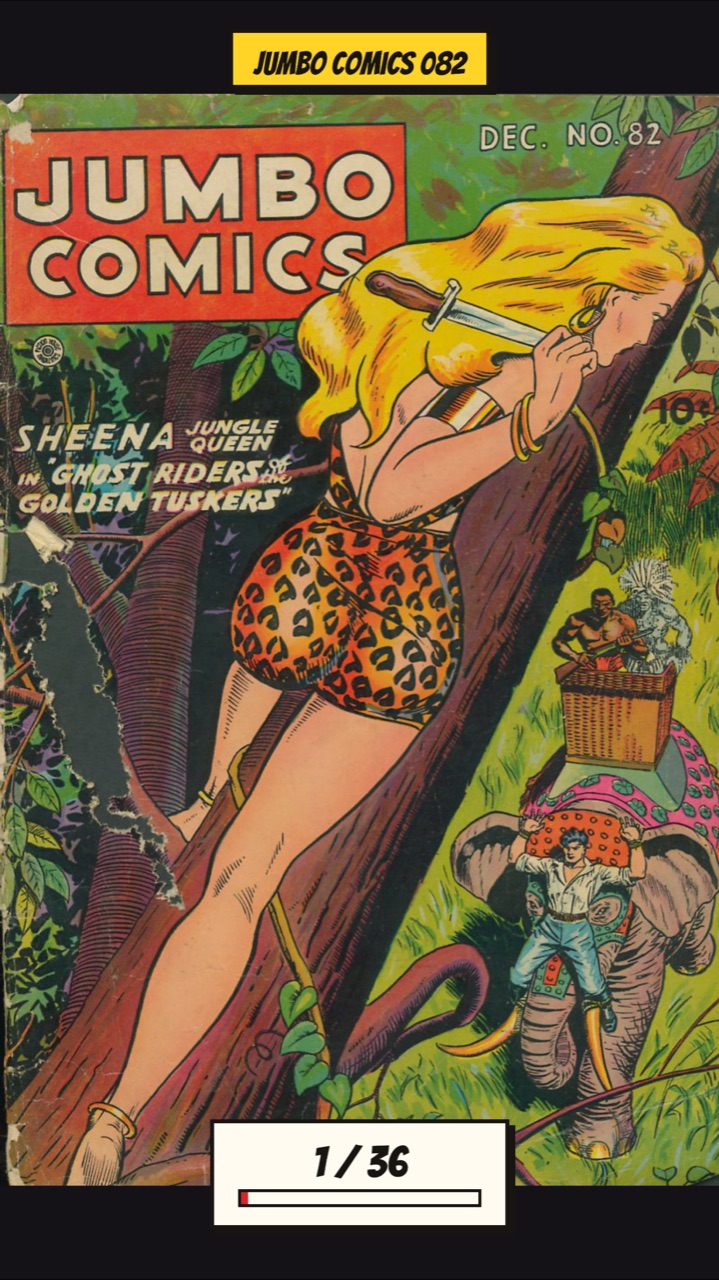
Read
Flippers turn the page; hold one to flip fast. Your place is kept in every book, and Continue lists the ones you're partway through.
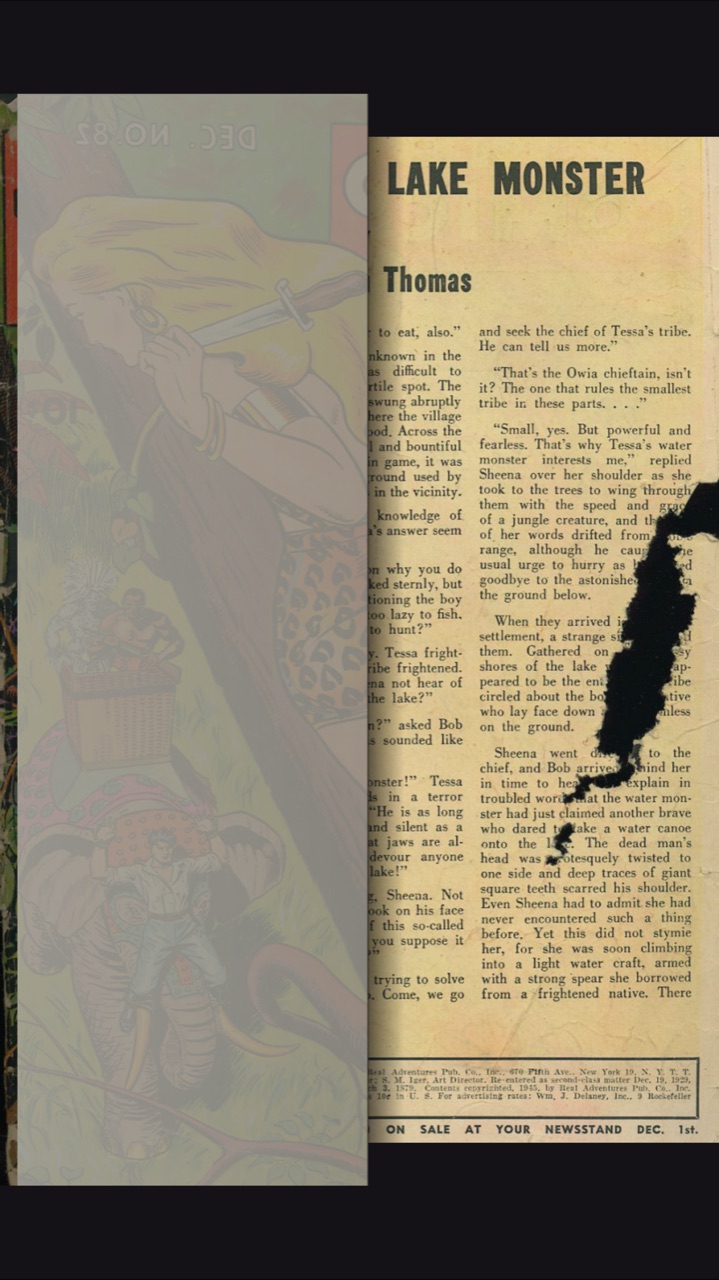
Page curl
The page folds over, print showing faintly through the back. Or a slide, or none: your pick in Settings.
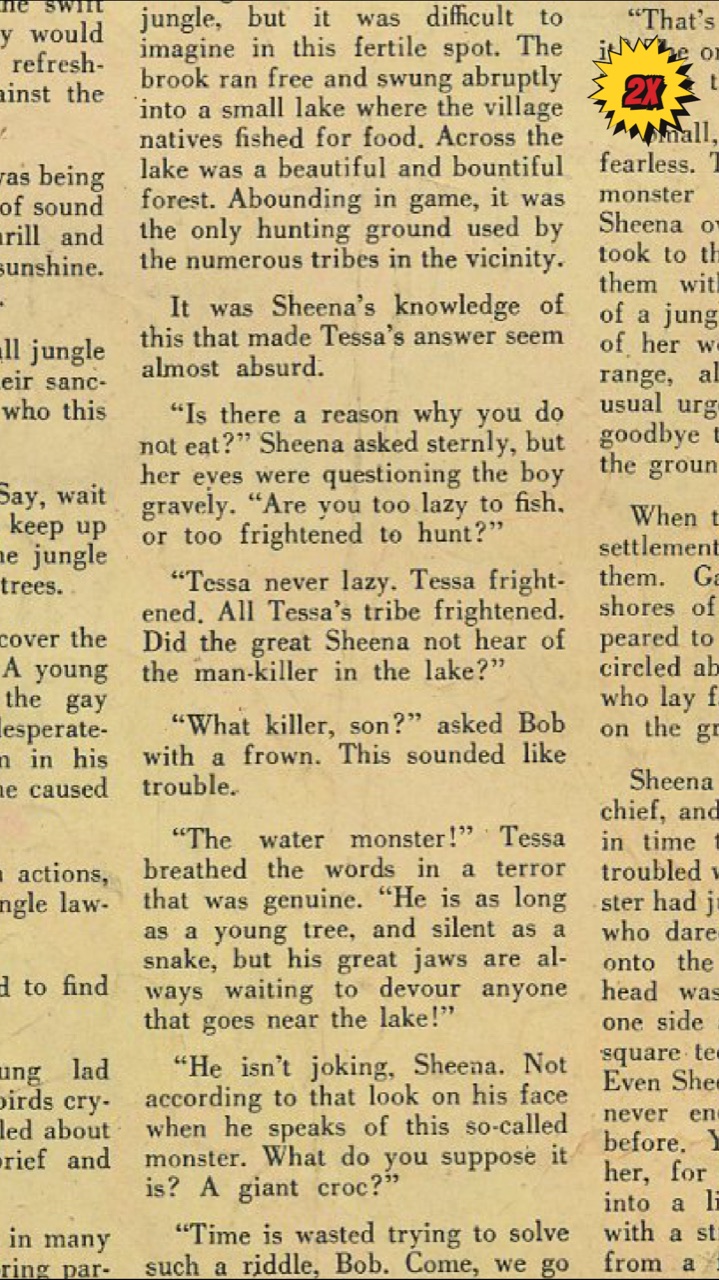
Zoom
Start zooms to 2x and 3x; the joystick moves around, and the text sharpens when you stop. Great for small print.
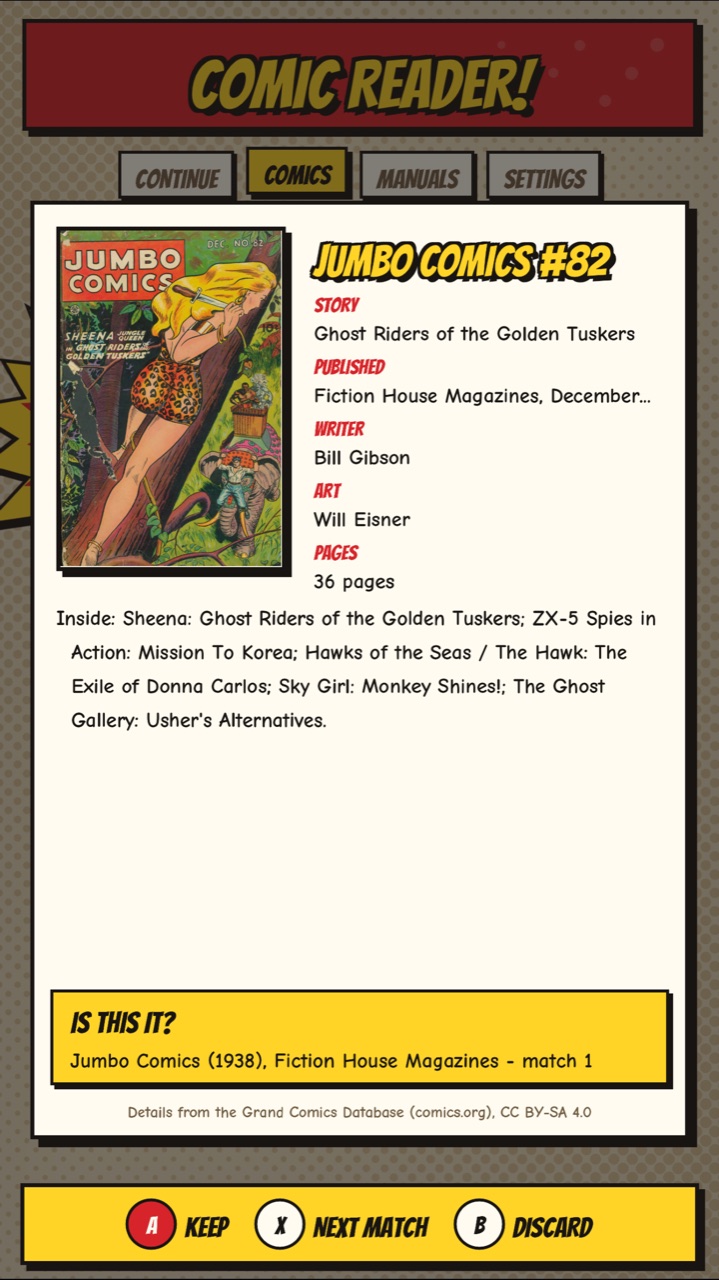
Details
Y shows a book's series, story, date, credits and summary, from its ComicInfo.xml, or looked up in the Grand Comics Database.
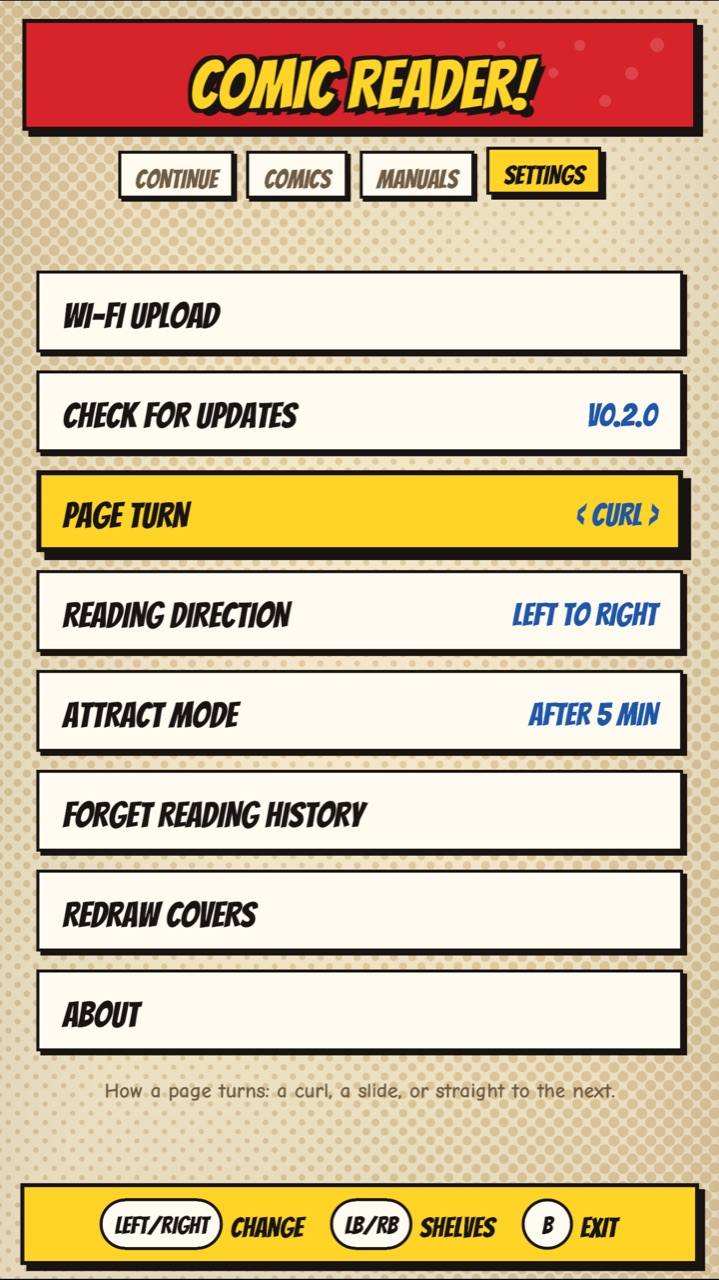
Settings
Wi-Fi upload, updates from GitHub, the page turn, right-to-left reading for manga, the attract mode, and more.
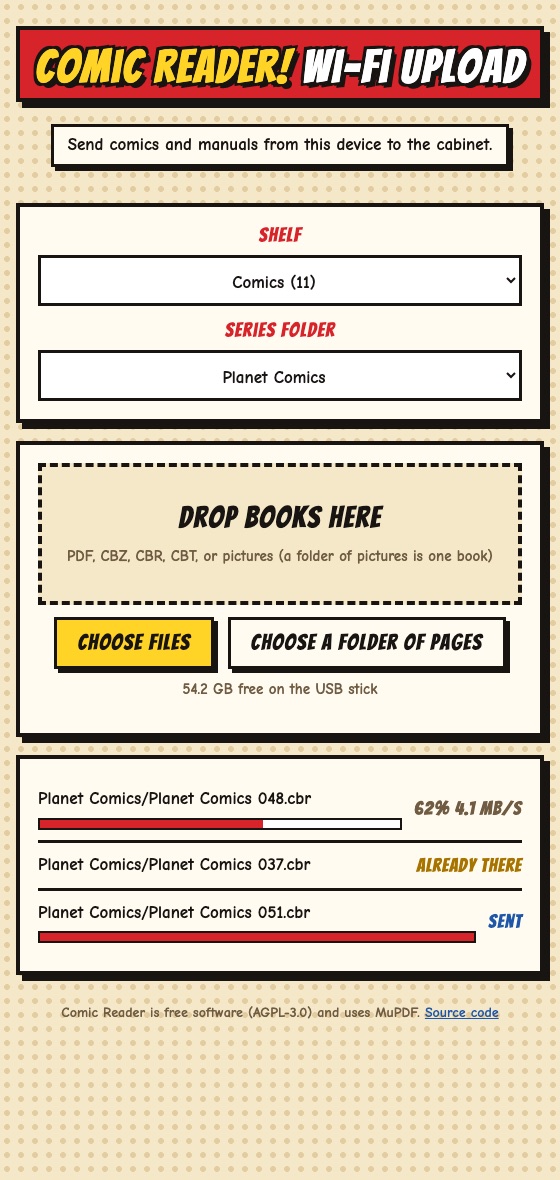
Wi-Fi upload
Send books from a phone or computer: open the address the cabinet shows, enter its PIN, drop the files in.
New in 0.2Attract mode
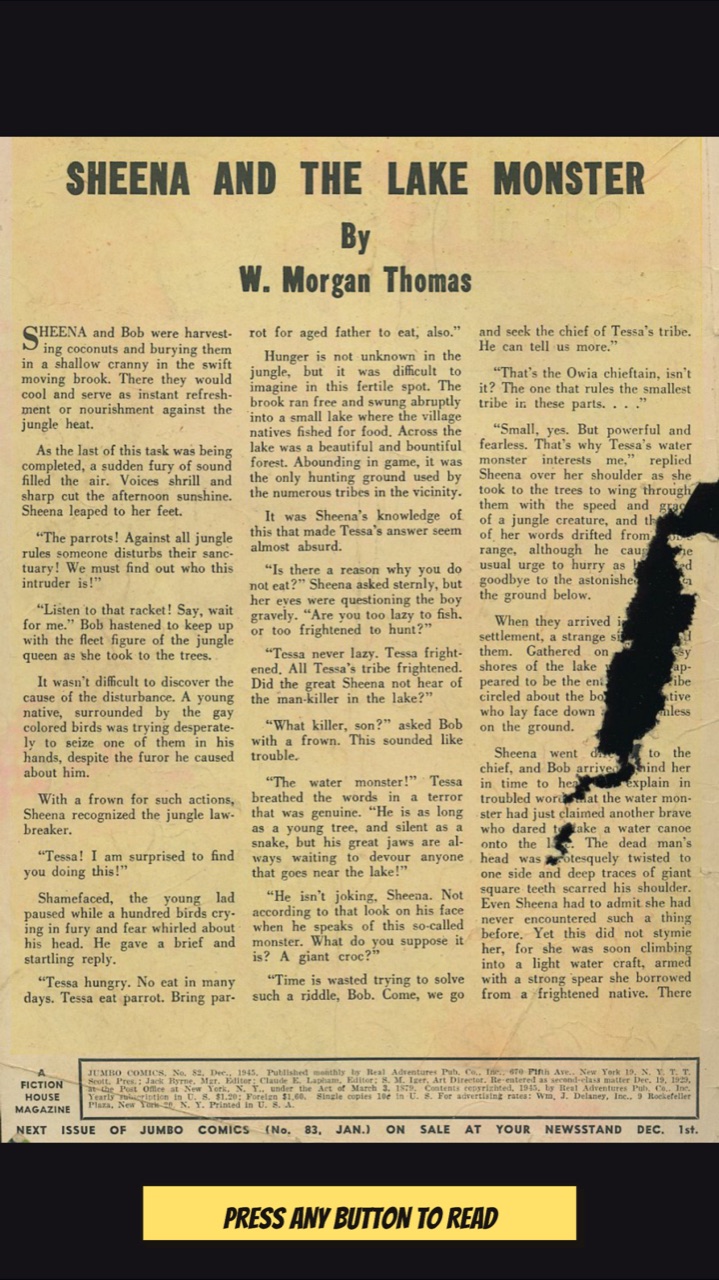
Comics that read themselves
Leave the cabinet in the library for 5 minutes and Comic Reader puts on a show: a random comic opens and turns a page every 10 seconds, with the cover on the backglass and the page count on the DMD. At the last page it picks another.
Press any button and you're back in the library where you were. The show doesn't count as reading, so your Continue shelf and every book's place stay as they were.
Settings > Attract mode: after 5 minutes, after 10, or off.
Get itInstall
- Download
comic-reader-v…zipfrom the latest release. - Unzip it and copy its
externalfolder to the root of your cabinet's USB stick. - Comic Reader shows up with the other External Apps.
- Later versions: Settings > Check for updates.
Needs: a Legends Pinball 4KP or HDP. Designed for use with the AtGames Legends Arcade Control Panel; it may work without one, but that hasn't been tested.
- Opens: PDF, CBZ, CBR, CBT, single pictures (JPG, PNG, WebP, GIF, BMP, TIFF) and folders of pictures.
- Books go in
external/comic-reader/comics/ormanuals/; a folder of books is a series. - Try it out: the release has an optional pack of public-domain Golden Age comics, one of each file type.
Comic Reader ships no copyrighted books: bring your own. Read the guide for every button.
QuestionsFAQ
Which cabinets does it work on?
It's made for the AtGames Legends Pinball 4KP and HDP: pages on the playfield, the cover on the backglass, the page number on the DMD. It works out which screen is which on each model by itself. Other Legends models haven't been tried. It was designed to be used with the AtGames Legends Arcade Control Panel (its joystick and A, B, X, Y and Start buttons, with the cabinet's flippers); it may work without one, but that hasn't been tested.
Where do I get comics?
Bring your own files. For free, legal ones, public-domain Golden Age comics are on the Digital Comic Museum and Comic Book Plus (both free with an account) and the Internet Archive. The release's sample pack has a few to start with. Comic Reader ships no copyrighted books.
What files can it open?
PDF, CBZ, CBR (RAR) and CBT comics, single pictures (JPG, PNG, WebP, GIF, BMP, TIFF), and a folder of pictures as one book, its pages in name order. It can't open CB7, EPUB, or comics locked to a store's app (DRM).
How do I add books?
Settings > Wi-Fi upload, then open the address it shows on a phone or computer on the same network and enter the PIN. Or copy them to external/comic-reader/comics/ (or manuals/) on the USB stick. A folder of books becomes a series.
Wi-Fi upload won't open on my phone.
Check the phone or computer is on the same network as the cabinet, not a guest network or mobile data: some routers' guest networks keep devices from seeing each other. Type the address exactly as shown, including the :8080 part. A FAT32 stick can't take a single file over 4 GB.
Why is the first page of some books slow?
Scanned PDFs are the slowest kind, about a second a page on a 4KP; CBZ and CBR pages take about a quarter of a second. While you read, the next pages are drawn ahead, so turning is quick after the first.
My book shows its file name, not its title.
Titles and details come from a ComicInfo.xml file inside the comic. A book without one is named after its file: press Y for its details, then X to look it up in the Grand Comics Database. Keep the match with A, or try the next with X.
The lookup says to wait.
comics.org allows a few dozen lookups an hour for each home (all the devices on one internet connection share it), plus a short per-minute limit. The message says how long. Answers are kept for 30 days, so the next issue of a series needs fewer.
Does it need the internet?
Only for Check for updates and for looking up a book's details. Reading doesn't, and Wi-Fi upload only needs your home network.
How do I update?
Settings > Check for updates downloads the newest release and restarts into it. Coming from 0.1.0, which had no updater, copy 0.2.0 over by hand once.
Will updating or reinstalling lose my books or places?
No. Updates replace only the app, its licenses and the guide; your books, reading places and settings are left alone. Places live in data/progress.txt on the stick; Settings > Forget reading history clears them.
A comic started reading itself.
That's attract mode: after 5 minutes untouched in the library, random comics read themselves. Press any button to stop it. It doesn't count as reading. Settings > Attract mode sets 5 or 10 minutes, or off.
How do I read manga right to left?
Settings > Reading direction > Right to left swaps the flippers. A manga marked right to left in its ComicInfo.xml reads that way on its own.
What about two-page spreads?
A wide page is shown fitted to the screen. Zoom in with Start (2x, 3x) and move along it with the joystick.
Something went wrong.
The app keeps a log at external/comic-reader/data/comic-reader.log on the stick, including a note if it crashes. Open an issue on GitHub with the log and what you were doing.
Is it free? Is it from AtGames?
It's free software (GNU AGPL 3.0), made by Bla1ze. It isn't made or endorsed by AtGames.